;. PawSQL supports the following sources for SQL input.
Goal
Input SQL to optimize from a text box, a SQL file, database logs, or a MyBatis Mapper file to build the task workload.Prerequisites
- A workspace is available.
- The workspace engine, version, and schema match the target SQL.
- Referenced tables, views, and columns exist in the workspace.
- SQL has no embedded credentials or sensitive data.
Input sources
PawSQL supports several SQL input sources; choose the one that matches your workflow.- SQL text
- SQL file
- Slow query log
- MyBatis Mapper file
Paste or type valid SQL in the text box. Multiple statements can be separated by
;. Best for ad hoc analysis or a single problematic statement.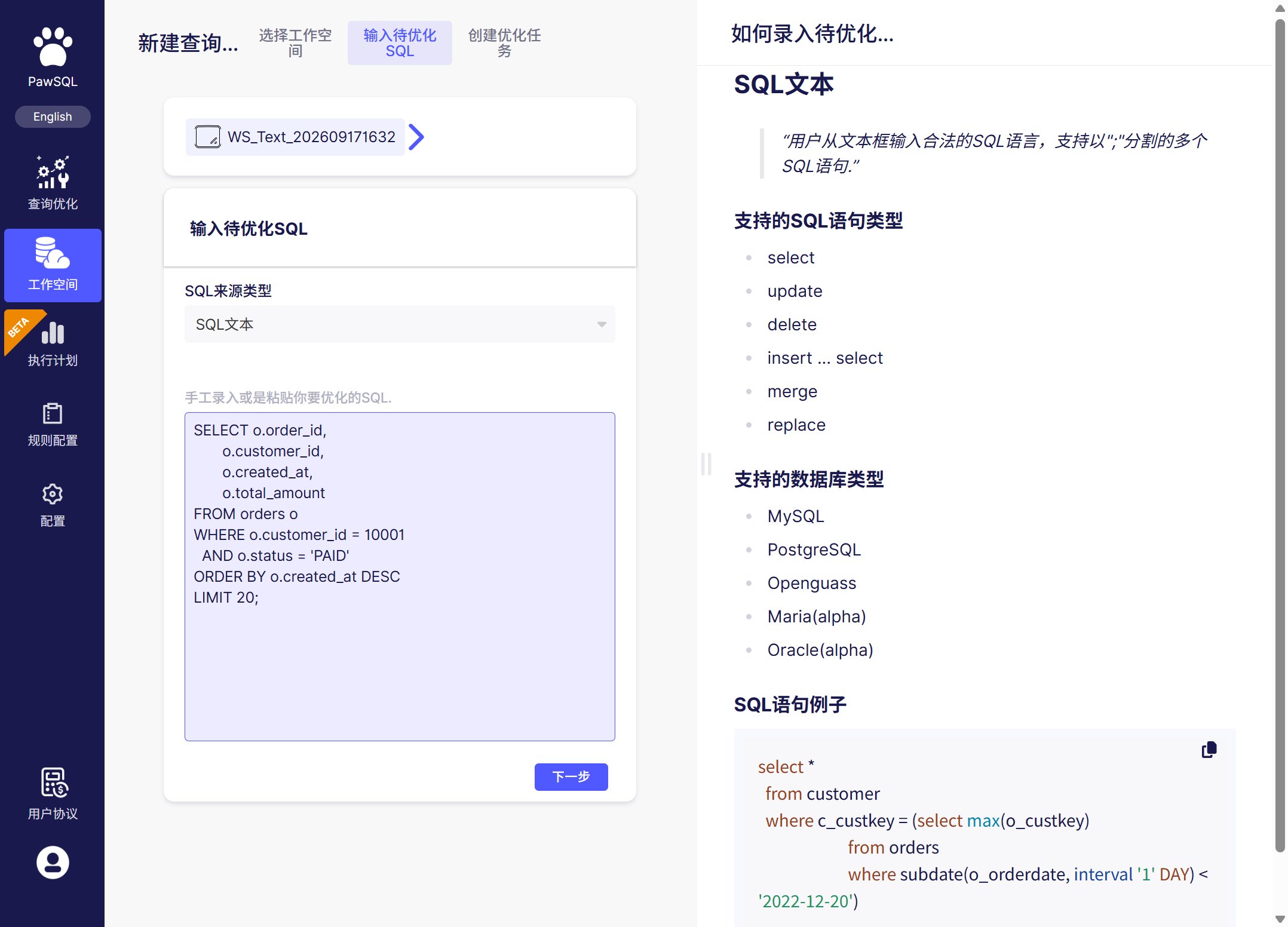
Input SQL to optimize from text, a file, logs, or a Mapper file
Supported SQL types
select, update, delete, insert ... select, merge, replace.
Parameters and sanitization
- Use a placeholder syntax supported by the current PawSQL release, and provide representative values when needed;
- parameter values affect selectivity and execution plans, so performance validation should cover common and boundary scenarios;
- replace sensitive literals with safe representative values;
- convert a template SQL that cannot be parsed into a representative executable statement.